Before an event goes live online, four things need to be settled: a stable internet connection with enough upload capacity, a camera and above all good sound, the consent of the people on camera and the rights to any music that is streamed. Then there is the choice of platform. If you tackle these points early, you avoid mishaps on the day of the event and trouble afterward.
Internet: upload is what counts
For a live stream, what matters is not the download speed advertised in most plans, but the upload. It not only has to be high enough, but above all stable for the entire duration of the event. Brief drops lead to stuttering or interruptions for the audience.
- Measure on site: Figures from the venue or the contract are not enough. Measure the upload at the planned location of the equipment, ideally at the same time of day as the event.
- Cable instead of Wi-Fi: Wi-Fi is shared by many devices and can fluctuate as soon as guests connect. For the stream, a network cable should run all the way to the equipment.
- Plan a backup line: For important events, a second connection is worthwhile, for example via mobile data, which you can switch to in an emergency.
Camera and sound: sound matters more
Viewers will forgive a slightly soft picture, but hardly ever poor sound. If speakers cannot be understood, echo fills the room or there is constant hiss, many people tune out. A camera's built-in microphone is usually not sufficient in a hall. It is better to take the sound directly from the PA system or to equip speakers with their own microphones.
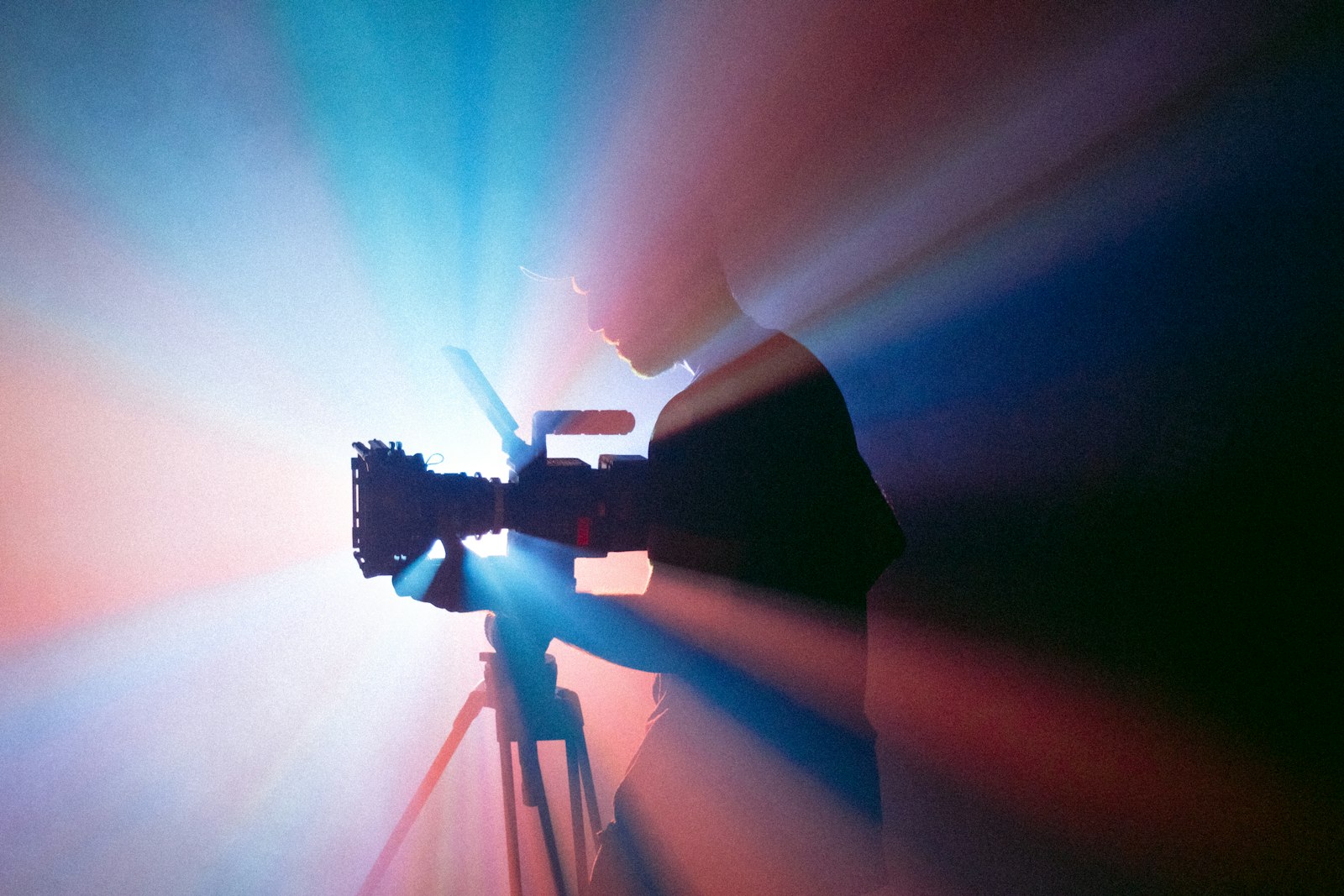
With the camera, what matters is a good position, enough light and a steady frame. Several cameras let you alternate between a wide shot, the speaker and the audience, which makes a stream much more lively. A test run on site, ideally the day before or a few hours ahead, uncovers problems with light, sound and the connection in good time.
Rights: people and music
If you broadcast people live on the internet, you need their consent. This applies to speakers as well as to participants who are recognizable on camera. Get the speakers' consent in writing in advance. It is best to inform guests in the invitation and again on site, for example with notices at the entrance. It also helps to point the cameras so that the audience is only visible from behind or not at all, and to offer an area that is not filmed.
A second point is music. As soon as copyrighted music can be heard in the stream, such as a performance, a video clip or background music, the rights need to be cleared. In Germany, this is in many cases the responsibility of GEMA (the German music rights society). A license for the event in the hall does not automatically cover the broadcast on the internet. Clarify this in advance, or leave copyrighted music out of the stream.
Choosing the right platform
Which platform makes sense depends on who is supposed to watch:
- YouTube: wide reach, easy for viewers to access, can also be used as an unlisted stream.
- Vimeo: ad-free and with more settings for embedding and display.
- Your own website: The stream is embedded in your site, and visitors stay with you.
- Private streams: For members' meetings or internal events, access with a password or a personal link is the better choice.
Also consider whether the event should be recorded. A recording is handy for everyone who could not be there live. However, it also extends the visibility of the people filmed, which should be taken into account in the consent.
In addition, decide who is the contact person for the technology during the stream and who answers questions about the schedule on site. A short timetable with the start, breaks and end helps everyone involved. And announce the stream in good time, with the link, the time and a note on what viewers can do if there are technical problems.
Frequently asked questions
Is the Wi-Fi at the venue good enough for a live stream?
You should not rely on it. For the stream, a wired connection with a stable upload measured on site is much more reliable.
Do I need the audience's consent?
For people who are shown recognizably, yes. Inform them in advance, offer areas without cameras and point the cameras so that guests are as unrecognizable as possible.
Can the stream be visible only to certain people?
Yes. Private streams with a password or personal access are suitable, for example, for club meetings or internal training sessions.
Your event live, without nasty surprises
We take care of the technology for your live stream, from checking the connection on site to camera and sound to the platform. You can read about what we offer in detail on our live streaming page. To inquire about your date, feel free to use the contact page.