A good data backup for a small business follows the 3-2-1 rule: three copies of your data, on two different media, one of them outside your premises. Just as important is a step many businesses skip: regularly testing whether the data can actually be restored. A backup that does not work in an emergency is not a backup.
The 3-2-1 rule explained simply
- 3 copies: the original data in day-to-day use plus two backups. If one copy fails, there is still another.
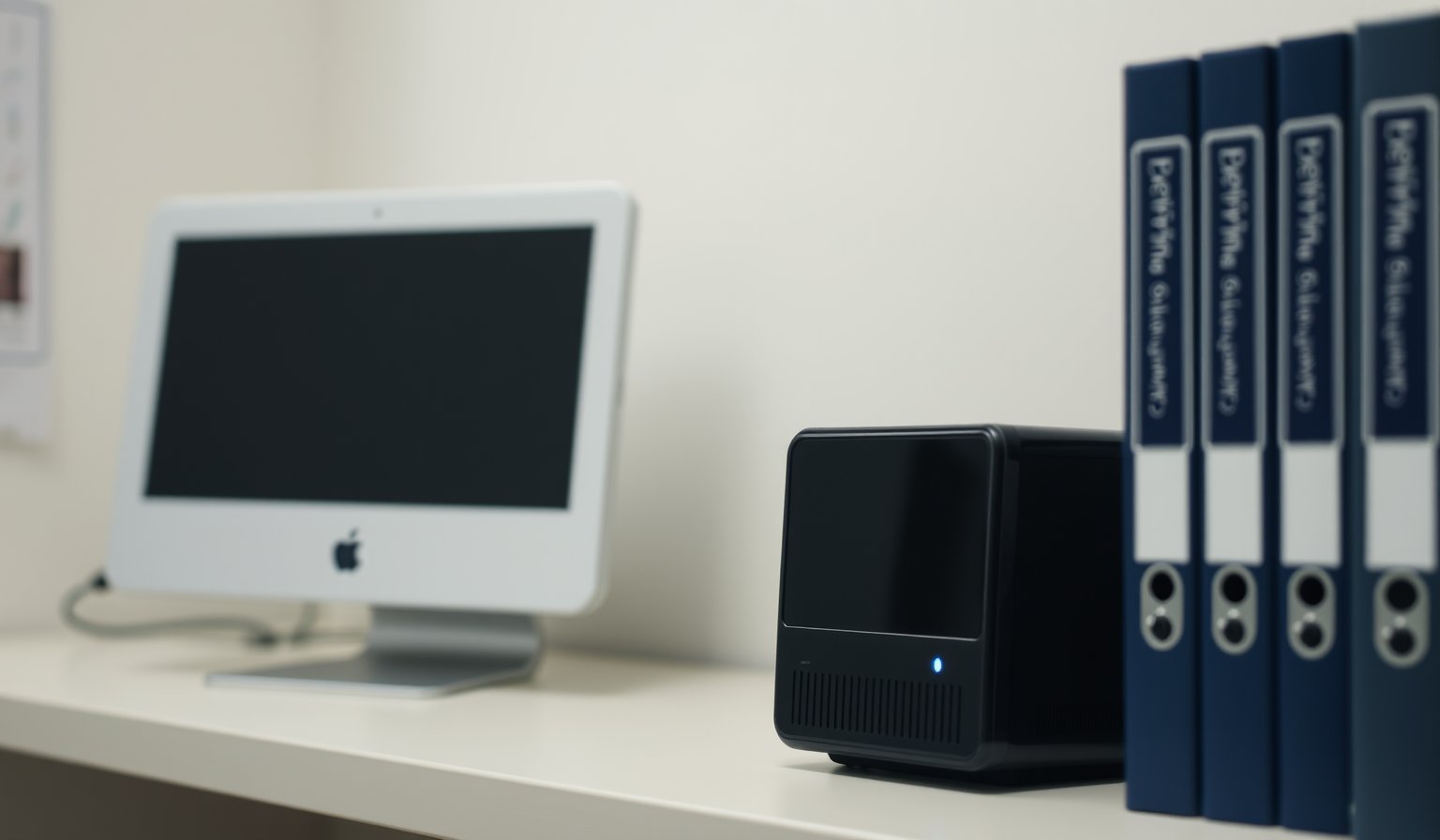
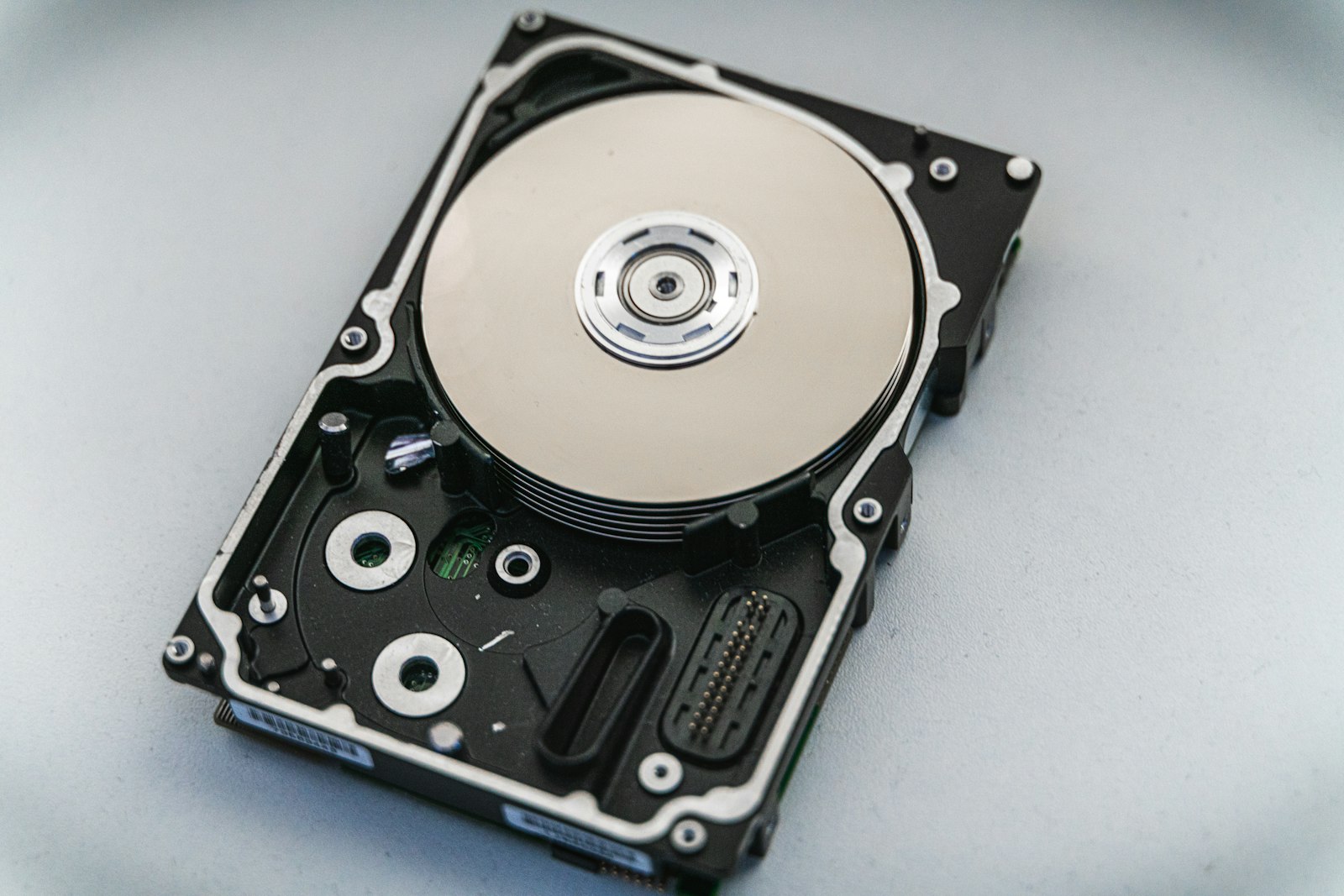
- 2 different media: for example a NAS in the office and an external hard drive or cloud storage. This way, a fault affecting one particular technology does not lead to the loss of all copies.
- 1 copy off-site: in a data center, with a cloud provider or on a storage medium kept at another location. It protects you in case of fire, water damage or theft.
The rule is not new, but it has proven itself because it protects against very different threats at the same time.
Why a connected NAS is not enough against ransomware
Ransomware encrypts data and demands a ransom for decryption. It encrypts everything it can reach from the infected computer. If the NAS is connected as a network drive, the backups stored there are often included. The same applies to a USB hard drive that is permanently attached to the computer.
A backup only protects against ransomware if the attacker cannot modify it. There are several ways to achieve this:
- Offline copies: storage media that are disconnected and put away after the backup.
- Pull backups: The backup server fetches the data itself. The computers being backed up have no write access to the backups.
- Immutable backups: storage on which backups cannot be deleted or overwritten for a defined period, not even with administrator rights.
Versioning: Why a single copy is not enough
A backup that overwrites the previous day's copy every night has a dangerous weakness. If an error is only noticed after a few days, such as an accidentally deleted file, a corrupted database or encryption that went unnoticed, the faulty state has long since been backed up and the good state is lost.
That is why several versions should be kept, for example daily backups for a few weeks and weekly or monthly ones for a longer period. How far back you need to be able to go depends on your business. Also keep in mind statutory retention periods and the obligation not to store personal data longer than necessary.
The test almost nobody does
Many backup programs reliably report "successful". But only a restore test shows whether a working state can really be recovered from the backup. Typical problems that only come to light during such a test: important folders are missing from the backup, the password for the encrypted backups cannot be found, the database was changed during the backup and is inconsistent, or the restore takes much longer than expected.
We recommend restoring individual files at fixed intervals and doing a trial restore of a complete system at least once a year. Record how long it takes and which steps are required. In an emergency, these notes are worth their weight in gold.
What needs to be backed up besides files
- Mailboxes: Emails are often stored only on the mail server. You should know exactly whether and for how long the provider backs them up.
- Cloud data: Data in Microsoft 365, Google Workspace or other cloud services can also be deleted or encrypted. Synchronization is not a backup, because it also transfers deletions.
- Databases: for example from practice management, law firm or accounting software. They must be backed up in a consistent state.
- Configurations: settings of routers, firewalls, servers and programs, license keys as well as the credentials needed for a restore.
- Website: files and database, with a sufficiently long retention period.
Frequently asked questions
Is cloud storage like OneDrive or Dropbox enough as a backup?
Usually not on its own. These services synchronize data, and a deletion or encryption on the computer is transferred as well. Version histories help to some extent, but they do not replace an independent backup.
How often should backups be made?
As often as you can afford to lose data. If you can lose at most one working day, you need at least a daily backup. For databases with many changes, more frequent backups can make sense.
Should backups be encrypted?
Yes, especially the off-site copy. But keep the key separately and securely, because without it the backup is worthless.
We plan and operate data backups for small businesses, medical practices, law firms and associations, with our own backup server, versioning and regular restore tests. If you would like to know how secure your data is today, talk to us. You can find out more under IT consulting and Hosting and operations.