A WordPress website that has not been updated for years often seems to keep running without any problems. That is exactly the risk: known security vulnerabilities remain open, and automated attacks specifically search for sites like these. Regular updates of WordPress itself, of themes, plugins and the PHP version are therefore not cosmetic. They are the most important protective measure for your website.
Everything that needs updating
A WordPress installation consists of several parts that are maintained independently of each other:
- WordPress core: the base system. Security updates usually come as minor version releases and are installed automatically with the default settings.
- Theme: the design of the site, often a commercial theme or a page builder. Purchased themes in particular are often only updated when a valid license is registered.
- Plugins: the extensions for forms, shop, SEO, galleries and much more. In our experience, this is where the greatest risk lies, because every extension brings its own code.
- PHP: the programming language on the server that WordPress runs on. Each PHP version only receives security updates for a limited period.
If even one of these building blocks is outdated, it can become a point of entry.
Abandoned plugins and outdated PHP versions
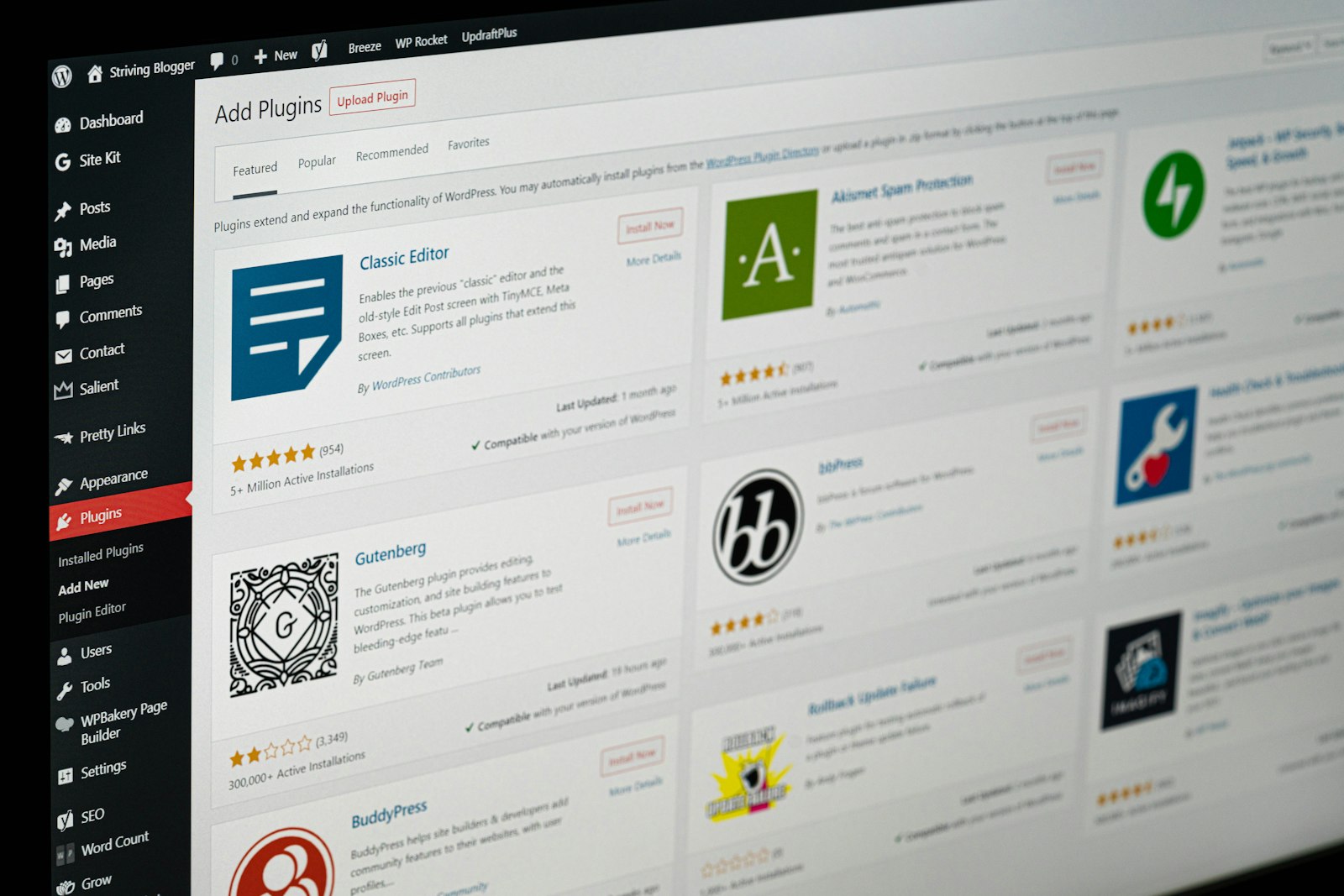
Not every plugin is maintained permanently. Some developers stop working on them without users finding out. In the WordPress plugin directory you can recognize such extensions by a notice that they have not been updated for a long time or have not been tested with current WordPress versions. Plugins that were closed because of security problems are no longer offered there at all. If an abandoned plugin has a vulnerability, it will never be fixed. The only remedy then is to replace it with a maintained alternative.
The same applies to PHP. If a website still runs on a version that no longer receives security updates, the server is vulnerable, no matter how up to date WordPress is. Switching to a new PHP version often fails because of old plugins or themes that no longer work with it. That is a clear sign that the site as a whole should be overhauled.
How to update safely
The concern that an update might break the site is justified. But it is not a reason to skip updates, it is a reason to do them properly:
- Back up first: Save files and database in a way that both can actually be restored.
- Staging for bigger jumps: Test major version changes, for example of the theme, page builder or PHP, on a test copy of the website first.
- Proceed step by step: Not twenty updates at once, but in sensible groups. That way an error can be traced more quickly.
- Check afterwards: Briefly click through the home page, contact form, shop order, login and mobile view. If a cache is used, clear it first.
Automatic security updates
By default, WordPress installs minor core security updates automatically. This can also be enabled individually for plugins and themes. For well-maintained, widely used plugins, this often makes sense. For central components such as shop systems or page builders, on the other hand, we recommend controlled updates followed by a check.
Security updates for the operating system can also be automated at the server level. This does not replace maintaining the website, but it closes another common gap.
What a maintenance contract provides
Many small businesses have neither the time nor the inclination to take care of updates regularly. A maintenance contract makes sure it happens anyway: updates are installed regularly and with a backup, the site is checked afterwards, abandoned plugins are identified and replaced, and a PHP version change is planned rather than forced. In an emergency, there is also a contact person who knows the website.
Compared to the cost of a hacked site, with cleanup, downtime and possibly a data protection notification, regular maintenance is almost always the cheaper option.
Frequently asked questions
How often should I update WordPress?
Security updates should be installed promptly, ideally within a few days. For all other updates, a fixed schedule has proven effective, for example once a week or every two weeks.
What do I do if an update breaks the site?
With a current backup, you restore the previous state and investigate the error calmly, ideally on a test copy. Without a backup, it becomes considerably more work.
How do I recognize an abandoned plugin?
The WordPress plugin directory shows the date of the last update and whether the plugin has been tested with current versions. If the last update was a long time ago, you should look for an alternative.
We take care of maintaining WordPress websites on our own servers, with backups, controlled updates and monitoring. If you would like to put your site in good hands, get in touch with us. You can find details under Hosting and operations, and if a redesign is due, under Websites.